fill the form


    SharePoint Design Services Built Around Your Brand

    Our SharePoint design services transform your environment with custom branding, intuitive navigation, and user-friendly layouts. We create themes, page templates, and web part designs that align with your brand guidelines across Modern and Classic SharePoint, intranets, and communication sites.
    Here’s What We Design for You:
    • Custom themes matching your brand
    • Intuitive navigation and site architecture
    • Modern and Classic SharePoint design
    • Templates for home, news, and department pages
    • Communication sites and custom web part layouts
    • Accessibility and mobile responsiveness testing
    We integrate design with governance and permissions planning to ensure consistency as your environment grows. Every project is tailored to your needs following a discovery call, without unnecessary fixed packages.
    SharePoint design services built around your brand

    Our SharePoint Design Services

    Our SharePoint design services cover everything visual and structural that sits on top of your SharePoint environment, from SharePoint UX/UI design to the branding layered on top of it. We design custom themes, site navigation, page templates, and web part layouts that match your brand instead of the default Microsoft look.

    Branding and visual identity icon

    Branding and Visual Identity

    A SharePoint site with your logo dropped into a default template isn’t branding, it’s decoration. Our SharePoint branding services build your theme from actual brand assets such as color values, typography, header and footer treatment, and iconography, so the site reads as an extension of your company, not a Microsoft product with your name on it. This includes custom styling for web parts where built-in options fall short.

    You get a style guide alongside the theme, so anyone publishing new pages later stays on-brand without needing design sign-off every time.

    Navigation and site architecture icon

    Navigation and Site Architecture

    Good branding on top of confusing navigation just makes the confusion look nicer. Before any visual design starts, we map your site hierarchy, permissions structure, and navigation menus against how your teams actually search for information, not an assumed org chart. This applies whether you’re on Modern SharePoint, which allows more flexibility with layout, or Classic, where navigation and permissions carry more structural weight.

    Getting this right first is what keeps a redesign from turning into the same scattered site with a new coat of paint months later.

    Classic vs. modern SharePoint design icon

    Classic vs. Modern SharePoint Design

    Classic SharePoint carries more of its structure in fixed page layouts, and navigation set up by IT is built around a fixed structure rather than how people actually browse. This limits how much visual flexibility a redesign can actually have. Modern SharePoint uses responsive web parts and page layouts instead, so branding and mobile design are easier to build well. Neither is automatically the right call; instead, it depends on what you’re already running and what you need next.

    Our SharePoint design services work across both, adapting to Classic SharePoint’s traditional approach or using Modern SharePoint’s flexibility as needed. We help you decide which one actually fits before any design work starts.

    Page templates and communication sites icon

    Page Templates and Communication Sites

    We design reusable page templates for the pages your organization publishes most: homepage, news, department landing pages, and communication sites for specific teams or projects. Each template gets tested across desktop and mobile before handover, since SharePoint’s default responsive behavior can quietly break custom branding on smaller screens if nobody checks.

    The goal is a template set your content owners can build on independently, adding new pages without redesigning from scratch or drifting back toward the default Microsoft look within the first few months of ownership.

    Governance and permissions icon

    Governance and Permissions

    A great design falls apart fast if five different departments can edit the homepage, and nobody owns the style guide. Alongside your theme and templates, we set up a governance model that defines who can publish, who can edit navigation, and who approve new pages before they go live. This isn’t a generic SharePoint permissions audit; it’s built around the design decisions we’ve already made together, so your site stays on brand as more people start contributing to it. Without this piece, most redesigns drift back toward clutter within a year.

    Who We Work With

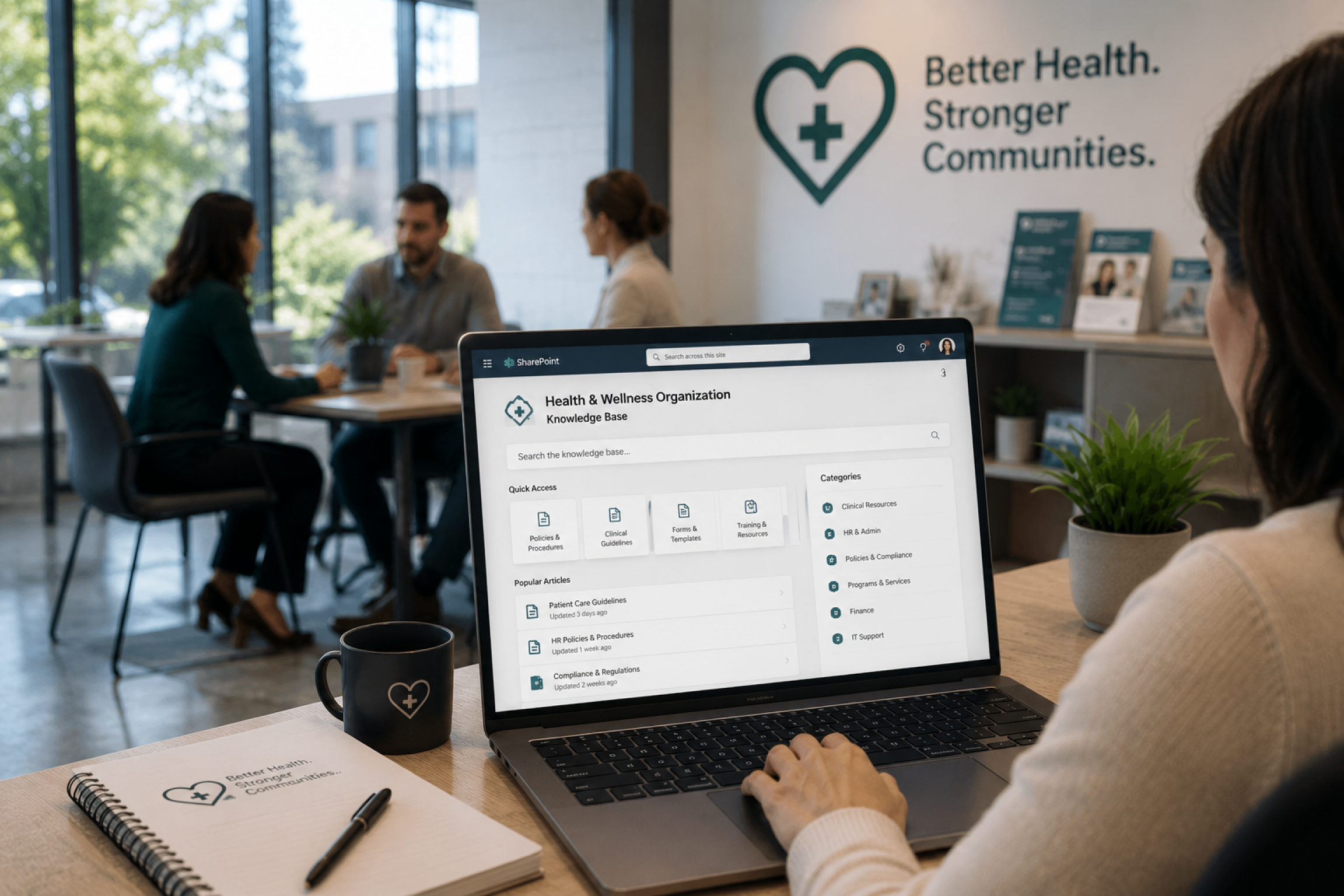
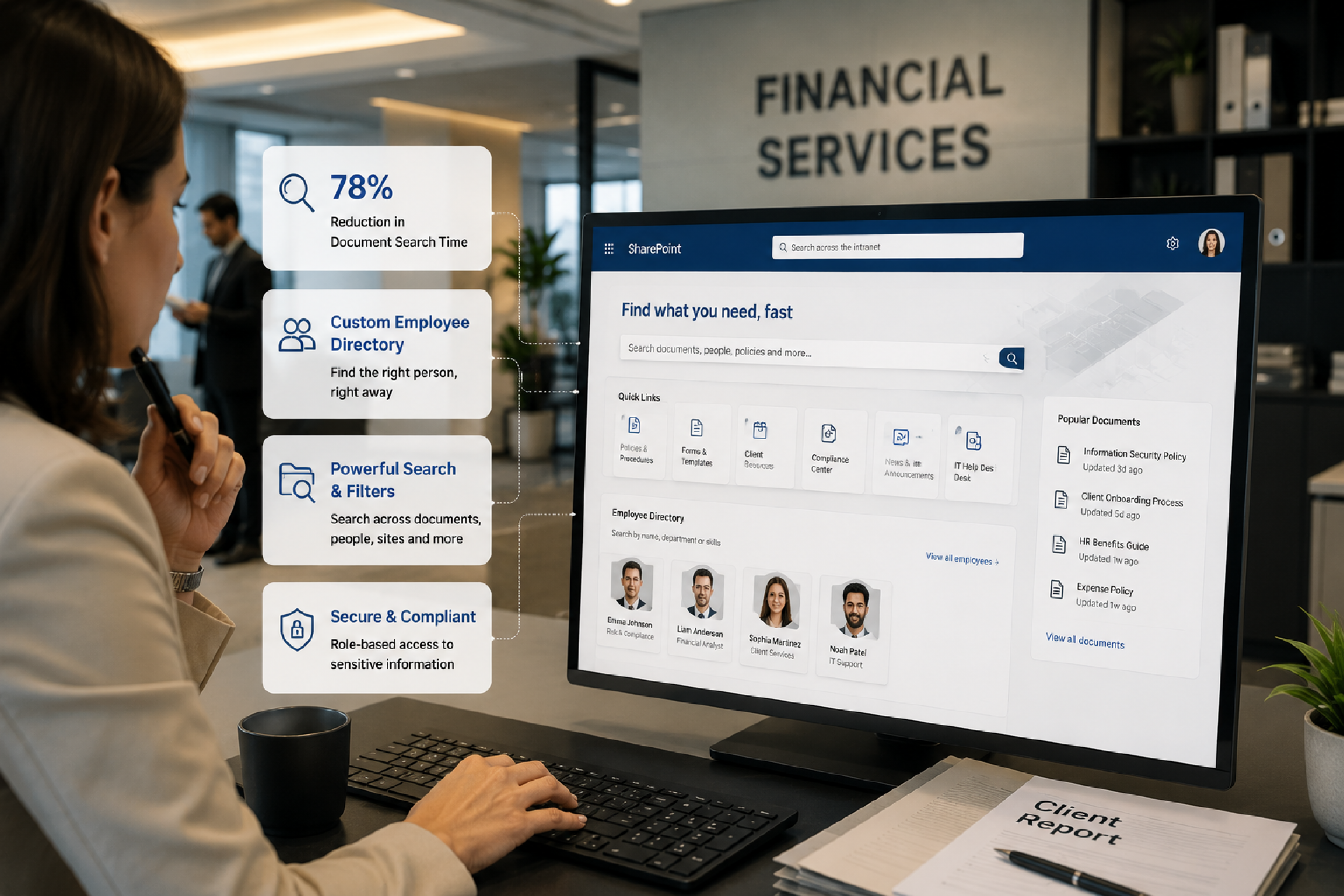
    We design SharePoint intranets and communication sites for mid-size and enterprise organizations across financial services, manufacturing and logistics, healthcare, and the public sector, along with multi-location businesses standardizing branding across departments.

    Our SharePoint site design services are built to support compliance requirements and multiple content owners without losing visual consistency, since governance is usually the common thread behind this kind of project.

    Whether you’re replacing a Classic SharePoint site your IT team inherited or standing up a new communication site from scratch, we scope the design around how your organization is actually structured.

    Who We Work With
    Why choose Code Creators for SharePoint design

    Why Choose Code Creators for SharePoint Design

    • Microsoft Solutions Partner – With 15+ years of SharePoint and Microsoft 365 expertise, we create branded designs that work seamlessly within SharePoint’s technical capabilities.
    • 100+ SharePoint Design Projects at Fair Prices – We’ve delivered 100+ projects for clients across the USA and Canada, offering custom themes and templates tailored to your needs and budget.
    • Dedicated, Round-the-Clock Support – We provide ongoing support after launch, including troubleshooting, accessibility checks, and design updates as your business evolves.
    With 700+ clients across Microsoft services and a 98% client return rate, we build SharePoint designs that grow with your organization.

    Your Trusted SharePoint Design Partner

    Microsoft Certification Badges of Code Creators

    Let’s Talk

    We have 100% successful track-record of serving Fortune 500 Companies from 45+ Industries! Connect with us to experience the Power of Innovative Development and Designs

    Request a Quote

    Free No-Obligation Quote

    How We Implement Your SharePoint Solution

    1

    Discovery & Requirements

    We start with a 30-minute discovery call to review your brand guidelines, current SharePoint environment, navigation pain points, and the pages your team uses most, so the design work is based on how your organization actually operates rather than a generic template.

    2

    Site Architecture & Navigation

    Over the next 3-5 days, we map your site hierarchy, navigation structure, and permissions model against how your teams search for content, so the design that follows sits on top of a structure that already makes sense.

    3

    Branding & Theme Development

    In 1-2 weeks, we build your SharePoint theme — colors, typography, header and footer treatment, and web part styling — matched to your existing brand assets rather than a default Microsoft look.

    4

    Page Template Design

    We design the reusable templates your content team will publish on going forward — homepage, news, department pages, or communication sites — and test each one across desktop and mobile devices.

    5

    Handover & Adoption Support

    We deliver a style guide and walk your content owners through publishing on the new templates, so your team can maintain the design independently after we hand the project off.

    Our Clients

    AmeriCU
    bluemercury
    CERIDIAN
    The University of CHICAGO
    City of Hope.
    World Health Organization (WHO)
    University of WATERLOO
    University of TORONTO
    TIN ROOF TACOS
    Stoller
    SIEMENS
    SAFEGUARD Medical
    RioCan
    Ontario Trillium Foundation
    McMaster University
    Macys
    Little City
    KINROSS
    Gate
    FlexNGate
    Fastwyre Broadband

    FAQs About SharePoint Design

    Yes. We start every project by reviewing your brand guidelines such as colors, typography, logo usage; and then build the SharePoint theme around them, rather than starting from a generic template.

    Yes, we design for both. Modern gives you more flexibility with web parts and responsive layout; Classic has more constraints, but we can still apply custom branding and navigation within them.

    Most projects run 3-6 weeks depending on how many page templates you need and how much of your brand system already exists in a usable format.

    Yes. We hand off a style guide and walk your content owners through updating pages on the templates we build, so small updates don’t require coming back to us.

    Yes, site architecture and navigation are part of our process before any visual design starts. Design applied over a confusing structure just looks better while staying just as hard to navigate.

    Yes, every template we build is checked on both. SharePoint’s responsive behavior can break custom branding if it’s not tested at each screen size, so we design and test the mobile view directly.

    It comes down to three things: navigation people can use, branding consistent with the rest of your company, and page templates simple enough for your team to maintain after launch.

    We can source and prepare stock or licensed imagery for your site if your project needs it. Scope and budget for this vary by project, so we cover exactly what’s included during the discovery call before quoting.

    Let’s Transform Your SharePoint Experience

    Your employees shouldn’t have to work inside a SharePoint site that looks like a default template with your logo pasted on top. With the right SharePoint design partner, your business can build a branded, well-organized intranet that people actually want to use, and have clear navigation, consistent design, and page templates that your team can maintain long after launch.

    At Code Creators Inc., we help USA and Canadian organizations build SharePoint environments that are practical, on-brand, and easy to maintain.

    Request your free design consultation today and speak directly with a SharePoint design specialist about your project.


    Schedule SharePoint Design Strategy Call

    SharePoint Case Studies

    Explore Related SharePoint Services

    SharePoint design and branding services rarely happen in isolation, so if your project also touches development, migration, or ongoing support, we handle those under the same roof. Related engagements include: