fill the form


    What We Offer

    Rolling out Microsoft Copilot solutions involves licensing, permissions, and the apps your team already lives in daily, so we break the work into four stages:

    Microsoft Copilot consulting icon

    Microsoft Copilot Consulting

    We evaluate your Microsoft 365 tenant against your business goals and turn that into a deployment plan: which teams get licensed first, what governance needs to exist before go-live, and how you’ll measure adoption.

    Copilot readiness assessment icon

    Copilot Readiness Assessment

    Before a single license is assigned, we review permissions and content across your Microsoft 365 data – SharePoint, OneDrive, Teams, and Exchange – along with your Microsoft Purview configuration, to identify overshared content that Microsoft 365 Copilot could otherwise surface once it’s licensed and turned on.

    Copilot integration icon

    Copilot Integration & Custom Agents

    For workflows standard Copilot doesn’t cover, we build custom Microsoft Copilot agents in Copilot Studio and extend Microsoft 365 Copilot’s task capabilities – including Copilot Cowork for longer, multi-step work – into your existing business systems, giving departments answers and completed work pulled from the tools they already use.

    Copilot adoption training icon

    Copilot Adoption Training

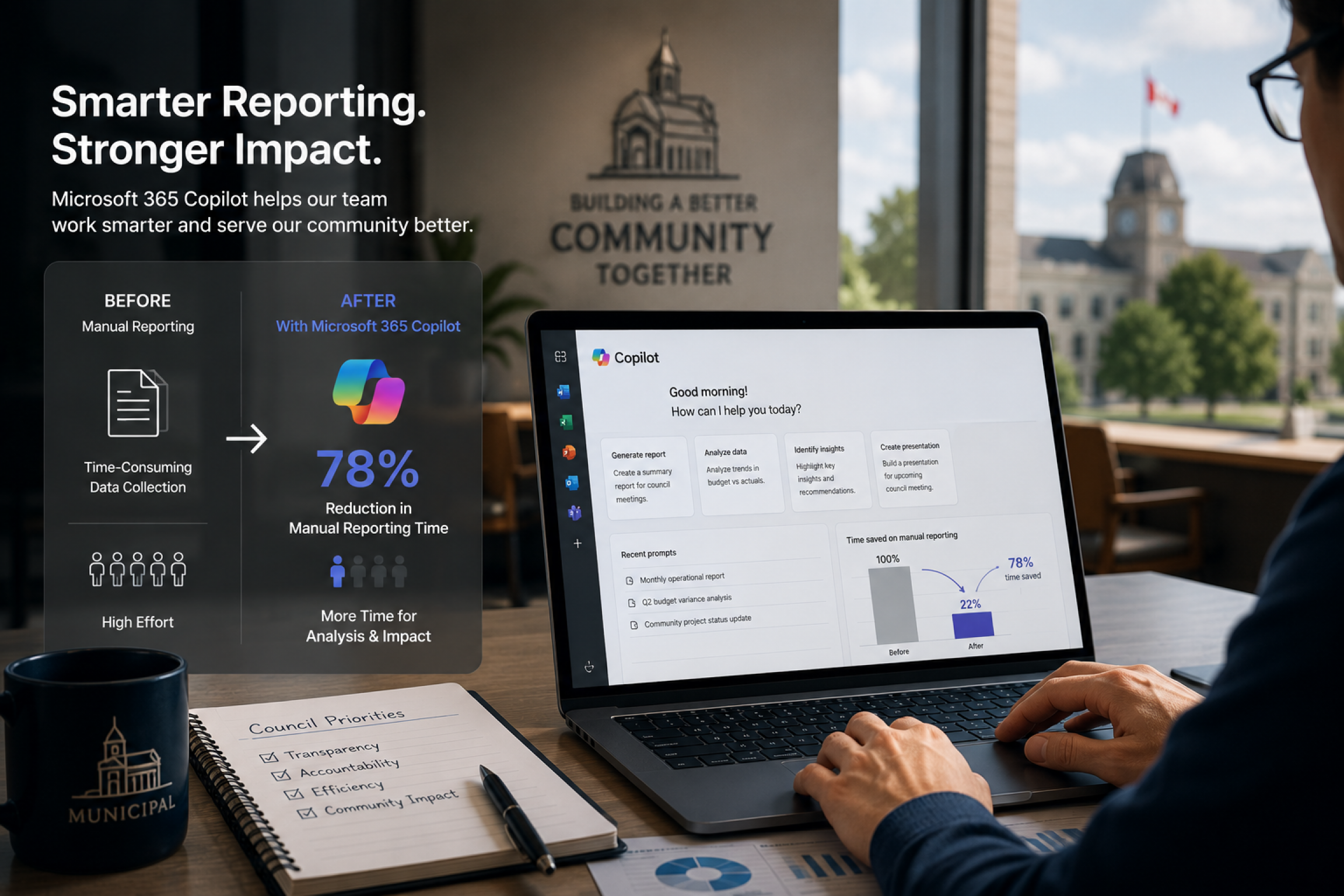
    We train your teams on how to use Microsoft 365 Copilot day-to-day: writing effective prompts, applying it to real work in Word, Excel, Teams, and Outlook, and building habits that stick past the first week of rollout.

    Why Code Creators for Microsoft Copilot services?

    Why Code Creators for Microsoft Copilot Services?

    • Microsoft Solutions Partner – Copilot’s answers are only as good as the permissions and data structure across your Microsoft 365 environment – SharePoint, OneDrive, Teams, and Exchange – and our Microsoft Solutions Partner designations span Modern Work, Data & AI, Digital & App Innovation, and Business Applications, so the tenant work and the Copilot rollout come from the same team.
    • Scope Copilot to your budget – We sequence Copilot by user group and use case, taking account of license requirements, adoption priorities, and any usage-based agent costs.
    • On schedule delivery – Every engagement runs on a defined timeline from readiness assessment through go-live, so your organization knows what to expect and when.
    If you’ve already purchased Copilot licenses and are looking to add structure to the rollout, we can build a permissions review and governance model around your existing deployment. Since April 15, 2026, in-app Copilot access inside Word, Excel, PowerPoint, and OneNote has required a Microsoft 365 Copilot license; without one, users still have Copilot Chat for secure web-based chat and Copilot in Outlook. It’s a distinction we walk clients through in every licensing conversation.

    Your Trusted Copilot Solutions Partner

    Microsoft Certification Badges of Code Creators

    Let’s Talk

    We have 100% successful track-record of serving Fortune 500 Companies from 45+ Industries! Connect with us to experience the Power of Innovative Development and Designs

    Request a Quote

    Free No-Obligation Quote

    Who We Work With

    Our clients typically have Copilot licenses assigned or are close to it, and they need a partner who understands their Microsoft 365 tenant’s governance model, data security and compliance requirements, and the AI capabilities alike. We support Microsoft Copilot enterprise deployments for small, mid-size, and large organizations across Canada and the USA:

    Municipal and Public Sector Institutions

    Departments need Copilot deployments that meet strict records-retention rules and control access across every user role.

    Financial Institutions

    Banks and insurers need a documented Purview and permissions review before any AI tool goes live.

    Healthcare Organizations

    Clinical and administrative teams need Copilot access scoped to exactly what each role should see.

    Post-Secondary Institutions

    Universities and colleges need Copilot licensing managed carefully across faculties, departments, and administrative units campus-wide.

    No two Microsoft 365 tenants look the same, so we tailor each engagement to your organization’s size, industry, and existing governance model. Whatever stage you’re at, from evaluating licenses to scaling an existing deployment, we can meet you there.

    If you’re planning a Copilot strategy for your organization, schedule a free consultation with our team.

    Common Questions

    We work inside your existing tenant, starting with a permissions and governance review to establish a clean foundation for rollout.

    Most assessments run a few weeks, covering permissions, licensing, governance, and Microsoft Purview review, before we hand off a rollout roadmap.

    Microsoft 365 Copilot only surfaces content your existing Microsoft 365 permissions already allow, across SharePoint, OneDrive, Teams, and Exchange. A governance and permissions review before rollout helps identify overshared content ahead of time – it doesn’t replace your organization’s compliance obligations, but it substantially lowers risk before go-live.

    Whether you’re evaluating Copilot for the first time or need to bring governance to a rollout that’s already underway, we can scope it in a single call.


    Talk to Our Team

    Copilot Case Studies