fill the form


    Why You Need Copilot Integration Services?

    Rolling out Microsoft 365 Copilot licenses doesn’t automatically make Copilot useful for the parts of your business that don’t live in Microsoft 365. Here’s what typically pushes a team from “we have Copilot” to “we need Copilot integration services”:
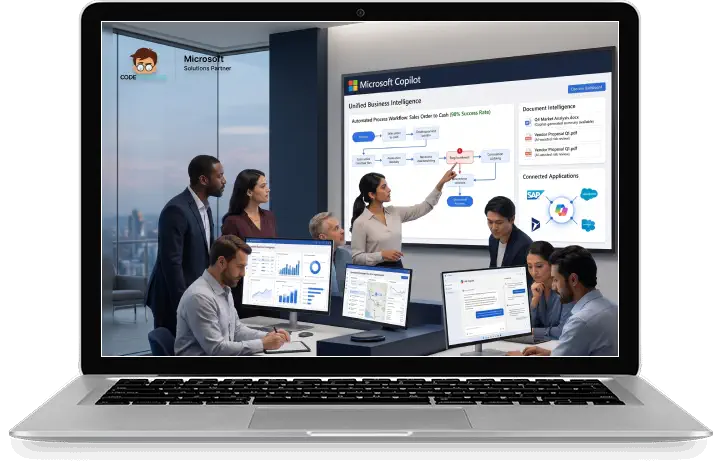
    • Copilot can’t reference CRM or ERP data without an approved connection: Without a suitable connector, agent, or API integration, Copilot cannot retrieve account history from Salesforce or order status from SAP.
    • Manual handoffs continue until systems are connected: Teams often keep copying data between Copilot and other platforms by hand until an integration closes that gap.
    • Misconfigured permissions can expose the wrong data: If access isn’t mapped correctly when a new system connects, Copilot can surface information a user shouldn’t see.
    • The right integration pattern depends on the system: Copilot Studio agents, Copilot connectors, Power Platform actions, and custom development serve different purposes; choosing the wrong pattern can create rework later.
    • Legacy systems may require custom integration work: Older platforms without a modern API often don’t have a ready-made connector, so bringing them in may take custom development.
    Why you need Copilot integration services?

    Our Microsoft Copilot Integration Services

    Every Copilot integration project has a different starting point depending on which systems matter most to your team. Here’s how our team approaches the work, organized into four areas.

    Copilot integration discovery icon

    Copilot Integration Discovery

    Before connecting anything, we need to know which systems matter and which integration pattern fits each one. This stage:

    • Maps which systems hold the data your team asks Copilot about most
    • Recommends whether a Copilot Studio agent, Graph connector, or custom-built connector fits each system, based on what that system supports
    • Flags data that will need permission review before it’s connected
    • Prioritizes integrations by impact and complexity

    Scoping the right pattern up front avoids finding out mid-build that a system needs a different approach.

    Connectors, agents & custom integration icon

    Connectors, Agents & Custom Integration

    We build integrations around your systems, whether that means connecting an external business system or extending Copilot’s reach inside Microsoft 365.

    • Building Copilot Studio agents or custom connectors for CRMs, ERPs, and other business systems where a suitable connector path exists
    • Extending Microsoft 365 Copilot integration across Teams, SharePoint, and Power Platform for department- or process-specific use cases
    • Using Microsoft Graph connectors when external content needs to be indexed and made available as enterprise knowledge
    • Scoping custom development when a system has no suitable connector, API, or supported integration path

    Which pattern we use, and what data it can actually reach, depends on what each system supports.

    Access, governance & sign-off icon

    Access, Governance & Sign-Off

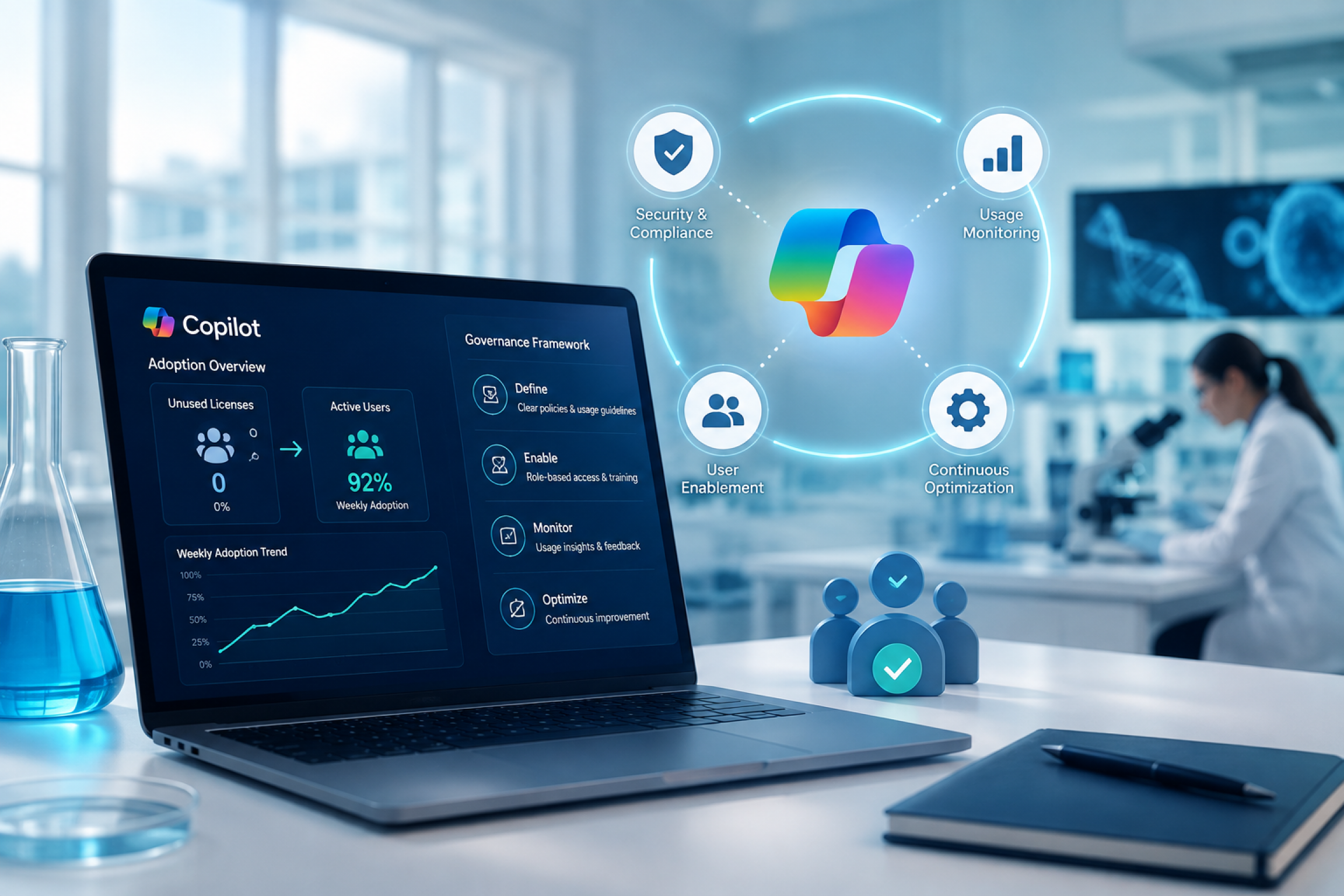
    Exposing sensitive data through an integration is a real risk, so per missioning and governance get built in during design and testing. This covers:

    • Mapping user permissions from each connected system into Copilot, verified in testing before go-live
    • Reviewing data governance policy against what the new integration will expose
    • Documenting every connector, agent, and data source in plain language
    • A defined sign-off step before any integration reaches production

    This is the one place on the page where we go deep on permissions and governance, since it applies across every integration rather than repeating per system.

    Copilot adoption support icon

    Copilot Adoption Support

    Once the integration is live, we help your team understand what Copilot can now answer, where the information comes from and keep it running as things change. This includes:

    • A short walkthrough of what Copilot can now answer and where that data is coming from
    • Troubleshooting if a connector breaks after a source system update
    • Adjustments as new use cases or data sources come up
    • Direct access to the team that built the integration

    Support continues after launch, so the integration keeps reflecting how the business actually runs.

    Industries That Trust Us with Copilot Integrations

    Our Microsoft Copilot integration consultants have delivered projects across:
    • Financial Services & Insurance Teams connect Copilot to policy and account systems where a connector path exists, reducing how often staff have to switch between applications.
    • Manufacturing & Distribution Businesses integrate Copilot with ERP and inventory systems built long before Microsoft 365 existed, using Graph connectors where an API allows it, instead of a system replacement.
    • Professional Services Firms connect Copilot to CRM and matter-management systems, so client history and status can be surfaced through Copilot once the integration is in place, rather than through a separate search.
    • Healthcare & Public Sector Organizations build governed Copilot integrations with permission boundaries mapped and tested, so sensitive data stays visible only to people already cleared to see it.
    Industries that trust us with Copilot integrations
    Why work with Code Creators for Copilot integration?

    Why Work with Code Creators?

    • Microsoft Solutions Partner – With 15+ years of hands-on experience with Microsoft 365 solutions, we understand what Copilot Studio, Microsoft Graph connectors, and Copilot’s licensing tiers can and can’t do before we start building. That means the Microsoft Copilot integration services we deliver are scoped to what each system actually supports, so they keep working as data sources and usage scale.
    • 50+ Microsoft AI and Automation Projects at Fair Prices – Properly integrating Copilot with CRM, ERP, and legacy systems doesn’t require enterprise consulting rates. Having delivered Copilot, Power Platform, and integration projects for clients across the USA and Canada, we scope Microsoft Copilot integrations around what your systems actually need, priced against real project scope.
    • Dedicated Support Round-the-Clock – We stay involved after go-live: connector troubleshooting, permission reviews, and updates whenever Copilot or your source systems change, the same commitment we bring to Code Creators’ 700+ clients across all Microsoft services.
    98% of our clients return to us for their next Microsoft project, including the Copilot work that follows an initial integration.

    Your Trusted Copilot Integration Partner

    Microsoft Certification Badges of Code Creators

    Let’s Talk

    We have 100% successful track-record of serving Fortune 500 Companies from 45+ Industries! Connect with us to experience the Power of Innovative Development and Designs

    Request a Quote

    Free No-Obligation Quote

    From Assessment to Integration: How We Work

    1

    Copilot Data Assessment

    We walk through which systems your team wishes Copilot could already answer questions from, on a 60-minute call. You’ll leave with a shortlist of integrations ranked by how often that data gets requested and how sensitive it is.

    2

    Integration Design & Prioritization

    You get a build queue ranked by impact, with each integration scoped to the connector type it needs (Copilot Studio agent, Microsoft Graph connector, or custom build), an estimated timeline, and any licensing requirements.

    3

    Build in a Staged Environment

    We define the access model before build, configure the required permissions in the staged environment, and test with identities that represent the users who will rely on the integration.

    4

    Test With Representative Questions

    Your team validates the integration using representative questions and test identities that reflect real permission levels, confirming Copilot returns accurate, permission-appropriate answers before anything moves toward production.

    5

    Sign-Off, Governance & Support

    Governance and licensing are reviewed during design, validated during testing, and revisited after launch as usage and source systems change. Nothing moves to production without your team’s explicit sign-off.

    Our Clients

    AmeriCU Code Creators client logo
    bluemercury Code Creators client logo
    CERIDIAN Code Creators client logo
    The University of CHICAGO Code Creators client logo
    City of Hope. Code Creators client logo
    World Health Organization (WHO) Code Creators client logo
    University of WATERLOO Code Creators client logo
    University of TORONTO Code Creators client logo
    TIN ROOF TACOS Code Creators client logo
    Stoller Code Creators client logo
    SIEMENS Code Creators client logo
    SAFEGUARD Medical Code Creators client logo
    RioCan Code Creators client logo
    Ontario Trillium Foundation Code Creators client logo
    McMaster University Code Creators client logo
    Macys Code Creators client logo
    Little City Code Creators client logo
    KINROSS Code Creators client logo
    Gate Code Creators client logo
    FlexNGate Code Creators client logo
    Fastwyre Broadband Code Creators client logo

    FAQs About Microsoft Copilot Integration Services

    Beyond native Microsoft 365 apps, Microsoft Copilot can integrate with CRM systems like Salesforce and Dynamics 365, ERP platforms like SAP, ServiceNow, internal databases, and other line-of-business systems, where a suitable connector or custom integration exists. This happens through Copilot Studio connectors, Microsoft Graph connectors, or custom-built connectors when there’s no existing option.

    Yes, it is. But only when permissions are mapped and tested correctly. Every Microsoft Copilot integration we deliver maps user permissions from the source system into Copilot and verify that mapping before go-live, so a person only sees through Copilot what they’re already authorized to see directly. Data governance and access review happen before an integration reaches production, not after.

    A single, well-defined integration, like connecting one CRM, can go from assessment to handover in a few weeks. Broader Microsoft 365 Copilot integration work across multiple systems, with governance and testing included, typically runs 6-10 weeks depending on system complexity and how much validation your team wants before rollout.

    This depends on the integration pattern used, but the goal is always to keep data within your Microsoft 365 tenant and the connected system’s existing security model wherever the connector supports it. We avoid duplicating or moving sensitive data unless a specific integration requires it, use masked data and test identities during build and testing, and document exactly what’s connected and what a user can access once live.

    It’s usually worth prioritizing when the systems Copilot can’t currently see are the ones your team asks about most, meaning people are still switching applications or asking colleagues instead of getting an answer from Copilot directly. We help quantify that during the assessment call by identifying which integrations would remove the most repeated manual lookups.

    Microsoft Copilot integration is the broader term for connecting Copilot to any system, Microsoft or otherwise. Microsoft 365 Copilot integration specifically refers to extending Copilot’s reach within your Microsoft 365 tenant, into SharePoint, Teams, and Power Platform, often as a first step before integrating outside systems like Salesforce or SAP.

    No. Copilot Studio is one path, useful for building custom agents and connectors, but some integrations use Microsoft Graph connectors instead, particularly for indexing large data sources like a document repository or database. We recommend the approach that fits each system during the assessment rather than defaulting to one tool.

    Ready to Put Microsoft Copilot Integration to Work?

    Code Creators helps USA and Canadian organizations build governed, documented Microsoft Copilot integrations, so Copilot can draw on business data beyond Microsoft 365 wherever a connection is in place.

    Book a free Copilot integration assessment and find out which of your systems would make the biggest difference connected.

    Copilot Case Studies

    Explore Related Services