fill the form


    Where Portal Projects Go off Track

    A common mistake is setting table permissions to global access, which lets every signed-in partner see every other partner’s records. It can go unnoticed until launch, when one distributor opens another distributor’s orders. Fixing it often means reworking the data model while live users are on the site.

    Where portal projects go off track

    What Our Power Pages Consulting Services Cover

    Our Microsoft Power Pages consulting services cover six engagements, from first scoping to life after launch.

    Portal Strategy and Scoping icon

    Portal Strategy and Scoping

    A clear brief before anyone opens the design studio.

    • Define user groups, journeys, and the processes the portal must support
    • Decide what fits Power Pages and what belongs in Power Apps instead
    • Estimate authenticated and anonymous user volumes for licensing
    Data Model and Security Design icon

    Data Model and Security Design

    Data and access rules agreed early, so the build starts on a settled design.

    • Design Dataverse tables, relationships, and forms for external users
    • Map web roles and table permissions to each user group
    • Set up sign-in through Microsoft Entra External ID for customers, or Microsoft Entra ID for staff and partners
    Power Platform and System Integration icon

    Power Platform and System Integration

    Portals connected to the systems behind them, with each integration set up and tested.

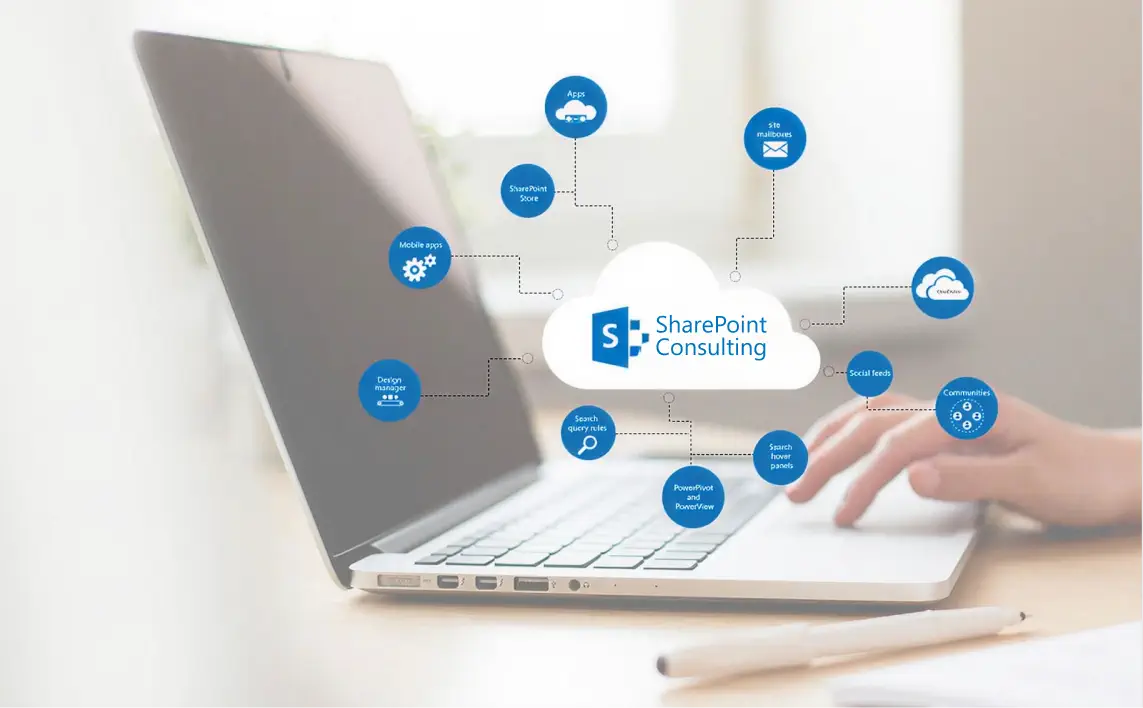
    • Configure Dynamics 365, SharePoint document management, and Power BI integrations for your environment
    • Build Power Automate flows for approvals and notifications, with their licensing confirmed
    • Reach other business systems through flows that use custom connectors
    Copilot and AI Agents in Power Pages icon

    Copilot and AI Agents in Power Pages

    AI features added where they help site users, with data access checked before go-live.

    • Set up the built-in Power Pages site agent to answer questions from your site content
    • Build custom Copilot Studio agents, with their data sources, authentication, and access settings reviewed before launch
    • Use Copilot in Power Pages to speed up page and form creation
    Portal Migration and Modernization icon

    Portal Migration and Modernization

    Older portals moved onto current Power Pages features.

    • Move sites first built as Power Apps portals (earlier Dynamics 365 portals) to the enhanced data model
    • Upgrade sites from Bootstrap 3 to Bootstrap 5
    • Review Liquid templates and custom code for compatibility
    Security Review and Ongoing Support icon

    Security Review and Ongoing Support

    A security check before launch and help once the portal is live.

    • Run the Power Pages security scan and audit table permissions before launch
    • Configure the web application firewall for production sites, along with browser security headers
    • Provide post-launch support under a scoped agreement

    Copilot features and their admin controls vary by feature, region, and licensing, which we confirm during scoping.

    Who We Work With

    Our Power Pages consulting is built for:
    • Government and Public Sector: Permit, license, and service request portals for residents.
    • Healthcare Organizations: Patient and referral intake forms, with each user limited to their own records.
    • Educational Institutions: Application and student service portals.
    • Manufacturing and Distribution: Partner portals for orders, warranty claims, and product documents.
    • Nonprofit Organizations: Grant application and member portals.
    Who we work with for Power Pages consulting
    Why choose Code Creators for Power Pages consulting

    Why Choose Code Creators for Power Pages Consulting

    • Microsoft Solutions Partner – 15+ years of Microsoft work across 700+ clients, including Power Platform projects that connect portals to Dataverse and Dynamics 365.
    • Certified Power Platform Consultants – Our team includes consultants certified as Power Platform Solution Architects (PL-600) and Power Platform Developers (PL-400), so portal design and build decisions are made by people Microsoft has tested on both.
    • Portal Delivery Experience – Our Power Pages consultancy has scoped and launched customer, partner, and public sector portals, so we know where sign-in, permissions, and integrations tend to cause trouble.
    • Security Designed In – Every engagement includes a web role and table permission review before launch, the step that keep one user’s records out of another user’s view.

    Your Trusted Power Pages Consulting Partner

    Microsoft Certification Badges of Code Creators

    Let’s Talk

    We have 100% successful track-record of serving Fortune 500 Companies from 45+ Industries! Connect with us to experience the Power of Innovative Development and Designs

    Request a Quote

    Free No-Obligation Quote

    How a Power Pages Engagement Runs

    1

    Scoping Call

    A 45-to-60-minutes call covers who the portal serves, what they need to do, and where the data lives. You receive a summary of goals and a recommended engagement scope.

    2

    Requirements Workshops

    Over 1 to 2 weeks, workshops with your team map user groups, journeys, and integrations. The deliverable is a portal scoping document with a licensing estimate and a build estimate for the agreed scope.

    3

    Data Model and Security Design

    Next, we spend 1 to 2 weeks designing the Dataverse data model, web roles, table permissions, and sign-in setup. You approve the data and security design before the build starts, and features added after approval go through change control.

    4

    Design Studio Build

    The build runs for 4 to 8 weeks in two-week sprints in the Power Pages design studio, with Liquid templates and custom code added only where the studio can’t do the job. Each sprint ends with a demo on a test site.

    5

    Security Testing and Handover

    In the final 1 to 2 weeks, our Power Pages consultants run Microsoft’s Deep Scan. It covers anonymous pages by default and authenticated pages when we supply test credentials. Separately, we sign in as each web role and test its access against the table permissions, then fix what we find. Handover includes admin documentation and training for the people who will maintain the site, with ongoing support available under a separate agreement.

    Throughout, our Power Pages development consulting runs alongside your in-house IT team, who join sprint demos,
    manage environment access, and take over administration at handover.

    Timeframes are indicative and depend on the number of user groups, integrations, and approval turnaround.

    Our Clients

    AmeriCU Code Creators client logo
    bluemercury Code Creators client logo
    CERIDIAN Code Creators client logo
    The University of CHICAGO Code Creators client logo
    City of Hope. Code Creators client logo
    World Health Organization (WHO) Code Creators client logo
    University of WATERLOO Code Creators client logo
    University of TORONTO Code Creators client logo
    TIN ROOF TACOS Code Creators client logo
    Stoller Code Creators client logo
    SIEMENS Code Creators client logo
    SAFEGUARD Medical Code Creators client logo
    RioCan Code Creators client logo
    Ontario Trillium Foundation Code Creators client logo
    McMaster University Code Creators client logo
    Macys Code Creators client logo
    Little City Code Creators client logo
    KINROSS Code Creators client logo
    Gate Code Creators client logo
    FlexNGate Code Creators client logo
    Fastwyre Broadband Code Creators client logo

    Power Pages Consulting FAQs

    Power Pages is licensed per website by monthly users. At Microsoft’s US list prices, authenticated users cost US$200 per pack of 100 users per site per month and anonymous users US$75 per pack of 500, both billed yearly, with lower rates at higher volumes. Rates differ by country, so check Microsoft’s pricing page for your currency. Our consulting is quoted separately after the scoping call.

    There are two plans: authenticated users per website, for people who sign in, and anonymous users per website, for people who browse. You can buy either as prepaid capacity packs (100 authenticated or 500 anonymous users per site per month) or pay per user as you go, billed through Azure. Prepaid packs also add Dataverse storage, with entitlements that differ by pack type and are pooled at the tenant level. While scoping, we estimate the volumes you’ll need.

    Power Pages is geared toward secure business websites, such as customer, partner, or resident portals, with anonymous browsing and external sign-in built in. Power Apps is a platform for building custom business apps, typically used by people inside an organization. Both can use Dataverse, so a portal and an app can share the same data and business rules.

    No. SharePoint is built for collaboration and document management. Power Pages is built for business websites where users submit forms and work with Dataverse records. The two connect well: a portal can store uploaded files in SharePoint document libraries, and table permissions decide which portal users can see which files.

    Not for a simple site. Power Pages is a low-code platform, so the design studio handles pages, forms, lists, and styling without code, and Copilot can generate pages, forms, and text from prompts. Most business portals still need technical work on the data model, table permissions, sign-in setup, integrations, and any Liquid templates or JavaScript. Our consulting covers that work, and your team can maintain the site after handover.

    Power Pages runs on Microsoft’s cloud, with a web application firewall you can configure for production sites, built-in security scanning, and sign-in through Microsoft Entra External ID or other providers. Many portal security issues come from configuration, especially table permissions that give users more access than intended. Before launching, we sign in as each web role and test its access, so each user sees only the records meant for them.

    Yes. Power Pages stores its data in Dataverse, so it works with other apps built on the same data, while integration with other Dynamics 365 workloads depends on the workload and setup. Power Automate flows link the portal to systems such as ERP, CRM, or payment platforms, and SharePoint and Power BI content can appear on portal pages. Each of these needs configuration and the right licenses, which we confirm during scoping.

    On the building side, Copilot in Power Pages can generate pages, forms, and text from plain-language prompts. For site users, you can enable the built-in site agent or embed custom Copilot Studio agents. A custom agent’s authentication, data sources, and authorization have to be configured and tested, so it returns only what each user should see. Availability and admin controls vary by feature, region, and licensing.

    Book a Power Pages Scoping Call

    A 45-to-60-minutes call is enough to confirm who your portal serves, what it needs to do, and how it should be licensed. On the call, our consultants will outline the scope, timeline, and next steps.


    Request a Scoping Call

    Explore Related Services