fill the form


    Microsoft SharePoint Development

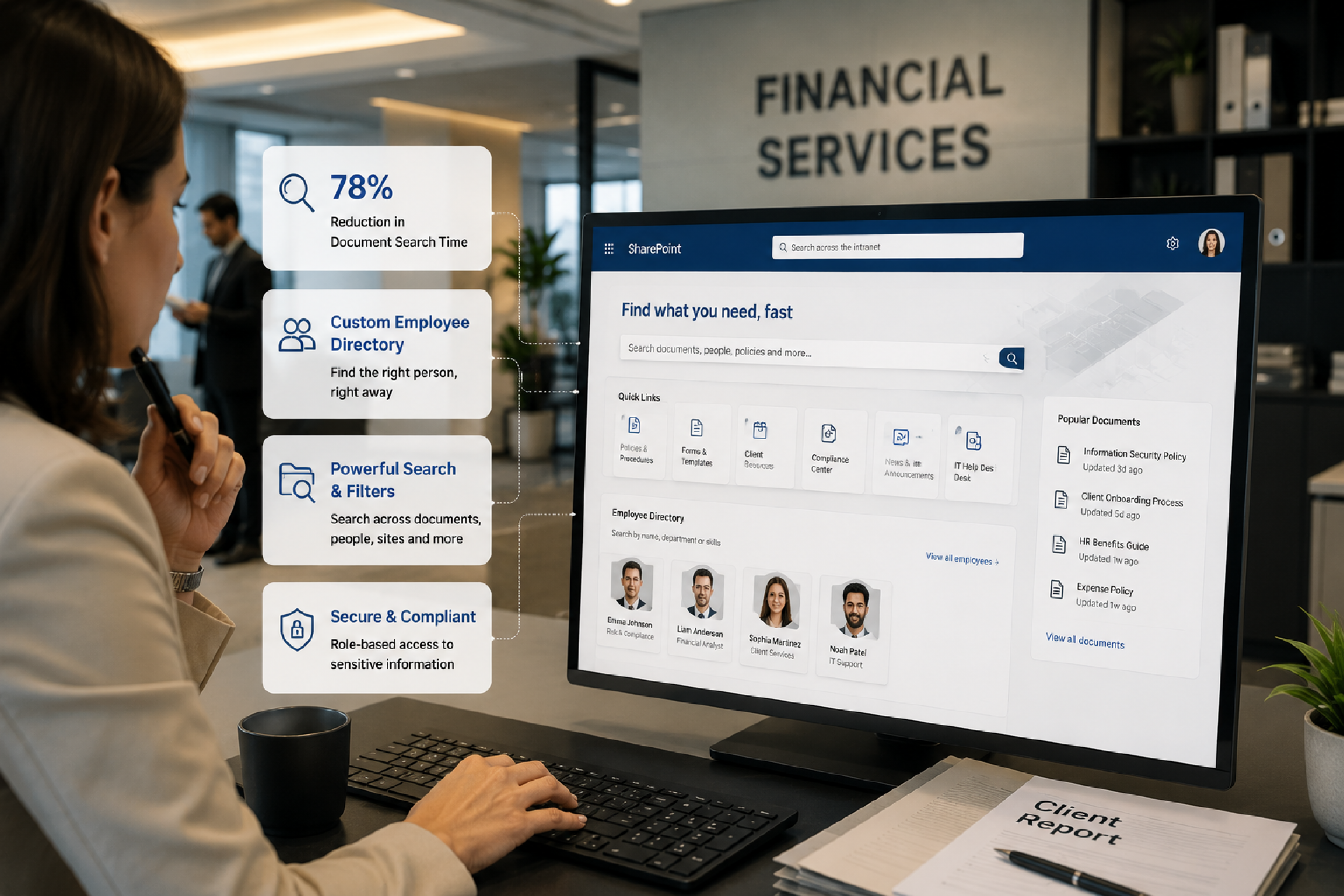
    Documents scattered across inboxes, shared drives, and disconnected systems slow teams down and create version-control chaos. Approvals get stuck in email threads, and finding the right file, policy, or report often means asking around instead of just searching for it.

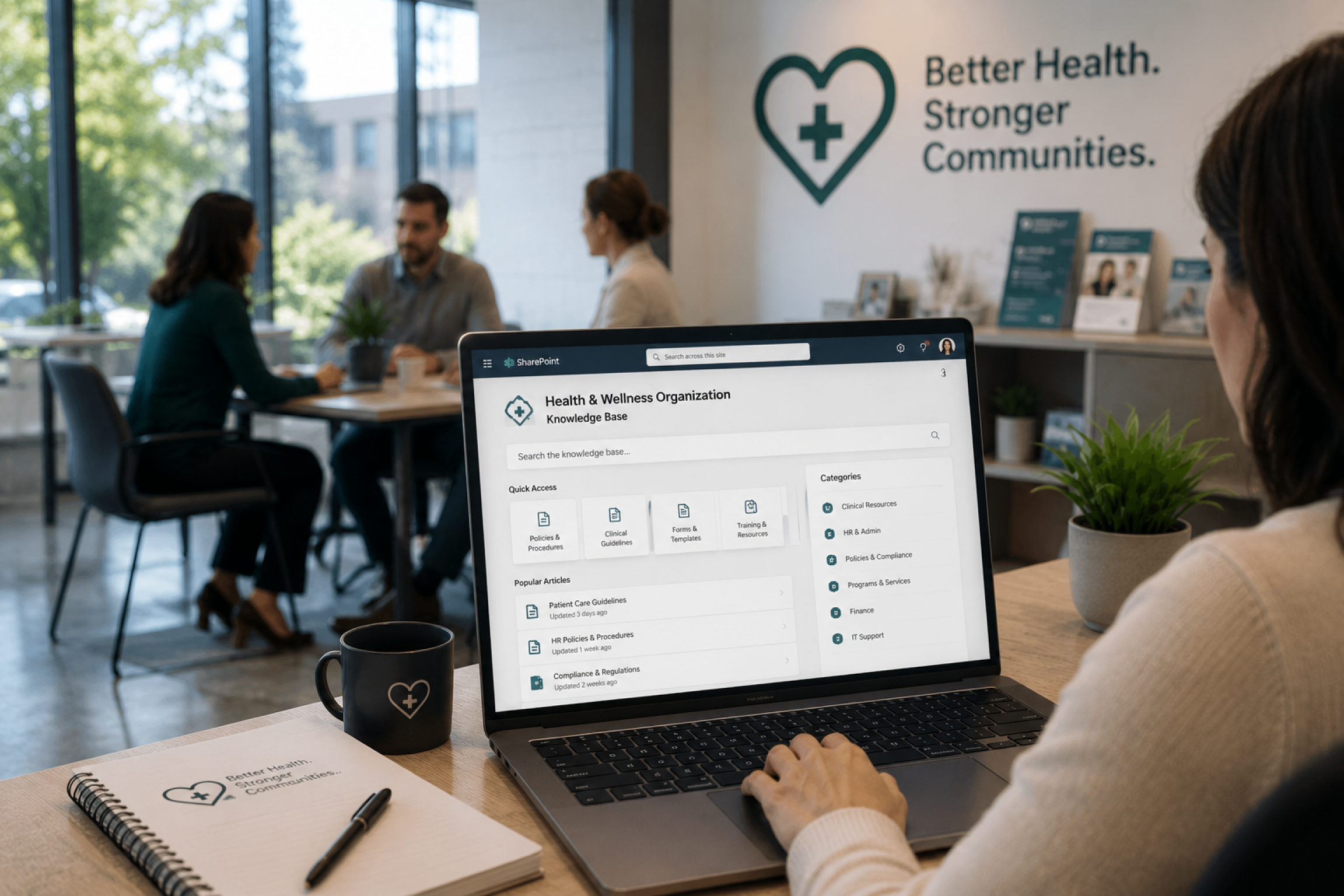
    Our Microsoft SharePoint development services solve this by giving your business one secure, organized, and searchable digital workplace. We customize SharePoint Online, SharePoint Server, and hybrid environments so your teams can manage documents, automate approvals, and collaborate without confusion – HR onboards faster, finance routes approvals without chasing emails, and operations finds project files, policies, and reports in one place.

    We also build modern SharePoint capabilities including SPFx development, custom web parts, Microsoft Graph APIs integrations, branded intranet portals, secure document libraries, Power Platform connections, and Copilot-ready content structures – making SharePoint easier to use and manage.

    Microsoft SharePoint development

    SharePoint Technologies and Frameworks We Work With

    Modern SharePoint development goes beyond sites and document libraries; it’s a connected Microsoft ecosystem spanning collaboration, automation, BI, AI, and security. We build every solution on the latest Microsoft frameworks for scalability, maintainability, and long-term support.

    SharePoint Framework (SPFx) icon

    SharePoint Framework (SPFx)

    SPFx is Microsoft’s modern development framework for SharePoint customization and the foundation of most modern SharePoint development projects. Our SharePoint developers build:

    • SPFx web parts
    • Application customizers
    • Field customizers
    • Command sets
    • Microsoft Teams integrations
    • Custom user interfaces

    Using SPFx ensures customizations remain aligned with Microsoft’s supported development model while delivering flexibility beyond standard SharePoint functionality.

    Microsoft Graph icon

    Microsoft Graph

    Microsoft Graph acts as the data layer connecting Microsoft 365 services together. We use Microsoft Graph to surface information across:

    • SharePoint
    • Microsoft Teams
    • Outlook
    • OneDrive
    • Entra ID
    • Viva
    • Custom applications

    This allows organizations to create unified user experiences that eliminate information silos and improve productivity.

    Power Platform icon

    Power Platform

    Most modern SharePoint environments rely heavily on the Power Platform.
    Our SharePoint development services regularly include:

    • Power Automate workflow automation
    • Power Apps business applications
    • Power BI reporting and dashboards
    • Copilot Studio agents

    Together, these technologies help transform SharePoint from a document repository into a complete business productivity platform.

    Microsoft Copilot in SharePoint icon

    Microsoft Copilot in SharePoint

    SharePoint is a core content source that feeds Microsoft Copilot, but messy metadata, weak permissions, and poor governance produce inaccurate AI answers. Our Copilot-readiness service fixes this. We help you:

    • Prepare SharePoint for Copilot
    • Improve metadata quality
    • Configure permissions correctly
    • Implement sensitivity labels
    • Establish governance frameworks
    • Build Copilot-ready knowledge repositories

    This ensures AI-generated responses remain accurate, secure, and relevant.

    Azure Services icon

    Azure Services

    Many enterprise SharePoint solutions extend beyond Microsoft 365. We regularly integrate:

    • Azure Functions
    • Azure Logic Apps
    • Azure Storage
    • Azure DevOps
    • Azure Key Vault
    • Microsoft Entra ID

    These services support advanced integrations, enterprise automation, identity management, and large-scale solution architectures.

    Modern Development Toolchain icon

    Modern Development Toolchain

    Our SharePoint developers work with modern technologies including:

    • React
    • TypeScript
    • Node.js
    • PnPjs
    • REST APIs
    • CSOM
    • Azure DevOps

    This modern development stack allows us to build secure, scalable, and future-ready SharePoint solutions for organizations of all sizes.

    SharePoint On-Premises vs. Online vs. Hybrid

    Choosing the right SharePoint deployment depends on your compliance needs, budget, and existing infrastructure. Here’s how the three options compare:
    • SharePoint Online – If your goal is lower upfront costs
    • SharePoint Online – If you need automatic updates and maintenance
    • SharePoint On-Premises – If you need strict regulatory and compliance requirements
    • SharePoint On-Premises – If your goal is full control over data infrastructure
    • Hybrid SharePoint – If you want cloud flexibility with local control
    • Hybrid SharePoint – If your goal is gradual migration without disrupting operations
    Not sure which fits your organization? Our consultants assess your compliance needs, budget, and Microsoft 365 setup to recommend the right deployment model.
    SharePoint On-Premises vs. Online vs. Hybrid
    Why choose Code Creators for SharePoint development

    Why Choose Code Creators for SharePoint Development

    • Microsoft Expertise You Can Trust – Code Creators brings 15+ years of Microsoft specialization to every SharePoint project, having delivered solutions across 45+ industries. We understand how SharePoint connects with Microsoft 365, Power Platform, Dynamics 365, and Copilot, plus modern standards like SPFx, permissions, and metadata planning, so your solution works today and stays ready for tomorrow.
    • Custom Solutions at Fair Prices – We take time to understand your workflows, users, and reporting needs before recommending a solution. Whether it’s an intranet, document management system, or full modernization, we scope clearly and keep pricing practical for mid-market and enterprise teams. Our focus is building what you’ll actually use.
    • Flexible Engagement Models – Every organization operates differently. We offer fixed-price projects, time-and-materials engagements, and dedicated SharePoint development teams, so you can choose the model that fits your budget, timeline, and internal resources. Whatever the engagement style, you get clear scope and Microsoft-certified expertise throughout.
    • Round-the-Clock Dedicated Support – A SharePoint project doesn’t end at launch. We provide ongoing support, optimization, permission reviews, and workflow updates for businesses across the USA and Canada, maintaining a 100% successful track record with clients from Fortune 500 companies to growing mid-market teams.
    Still weighing your options for a SharePoint partner? Let’s talk about what your team actually needs – schedule a free consultation today.

    Your Trusted SharePoint Development Partner

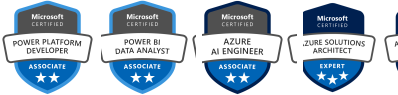
    Microsoft Certification Badges of Code Creators

    Let’s Talk

    We have 100% successful track-record of serving Fortune 500 Companies from 45+ Industries! Connect with us to experience the Power of Innovative Development and Designs

    Request a Quote

    Free No-Obligation Quote

    Our SharePoint Development Approach

    1

    Discovery and Planning

    We start by learning how your business works. What slows your team down? Where are documents stored? Which approvals take too long? Which departments need better access?

    Our team reviews your current Microsoft 365 environment, content structure, permissions, business workflows, and future goals. Then we create a clear plan for your SharePoint development project, including scope, priorities, risks, and recommended next steps.

    This helps avoid guesswork and gives you a roadmap before development begins.

    2

    Custom Development and Integration

    Once the plan is clear, we build the solution around your real processes. This may include SharePoint intranet pages, document libraries, metadata, approval workflows, custom forms, SPFx web parts, security roles, dashboards, and integrations with Microsoft 365 tools.

    We also connect SharePoint with platforms such as Teams, Power Automate, Power BI, Dynamics 365, and third-party systems where needed. The result is a unified platform where information, people, and processes work together.

    3

    Deployment and Ongoing Support

    A smooth launch matters. We deploy your SharePoint solution with minimal disruption, support user testing, train your teams, and help employees understand how to use the new environment confidently.

    After launch, we monitor performance, fix issues, refine workflows, improve adoption, and support future changes. As your business grows, your SharePoint environment can grow with it.

    That means you do not need separate vendors for strategy, development, migration, automation, and support. You get one experienced team that understands the full SharePoint journey from planning to post-launch improvement.

    Our Clients

    AmeriCU Code Creators client logo
    bluemercury Code Creators client logo
    CERIDIAN Code Creators client logo
    The University of CHICAGO Code Creators client logo
    City of Hope. Code Creators client logo
    World Health Organization (WHO) Code Creators client logo
    University of WATERLOO Code Creators client logo
    University of TORONTO Code Creators client logo
    TIN ROOF TACOS Code Creators client logo
    Stoller Code Creators client logo
    SIEMENS Code Creators client logo
    SAFEGUARD Medical Code Creators client logo
    RioCan Code Creators client logo
    Ontario Trillium Foundation Code Creators client logo
    McMaster University Code Creators client logo
    Macys Code Creators client logo
    Little City Code Creators client logo
    KINROSS Code Creators client logo
    Gate Code Creators client logo
    FlexNGate Code Creators client logo
    Fastwyre Broadband Code Creators client logo
    TestimonialsSome Talk of Our Honorable Clients

    FAQs About SharePoint Development

    SharePoint development means building and customizing SharePoint, so it fits your organization’s actual processes. This can include intranet portals, document libraries, workflows, custom web parts, forms, dashboards, permissions, and Microsoft 365 integrations.

    Timelines depend on the project size. A small workflow or custom web part may take a few weeks. A full intranet, migration, or document management system may take several months, especially when discovery, testing, training, and rollout are included.

    Yes, SharePoint Online supports secure data management when configured correctly. Permissions, sensitivity labels, retention policies, audit logs, access controls, and Microsoft 365 security features help protect sensitive documents and business information.

    The cost depends on scope, complexity, integration, migration needs, and support requirements. A simple departmental solution costs less than a full enterprise intranet or complex SharePoint migration. We provide clear pricing after discovery.

    Yes. We provide post-launch support, user guidance, workflow updates, permission reviews, performance checks, and ongoing SharePoint optimization. This helps your platform stay useful as your team and business processes change.

    Yes. We help migrate from older SharePoint Server environments to SharePoint Online, move content between Microsoft 365 tenants, and transfer files from legacy systems into a modern SharePoint structure.

    Let’s Transform Your Collaboration

    Your SharePoint environment should make work easier, not more complicated. If your teams are still chasing documents, waiting on approvals, or working across disconnected systems, it may be time for a better setup.

    Talk to a SharePoint expert at Code Creators and get clear next steps for your intranet, migration, workflow automation, or custom SharePoint development project.


    Schedule a SharePoint Development Call

    SharePoint Case Studies

    Explore Related SharePoint Services