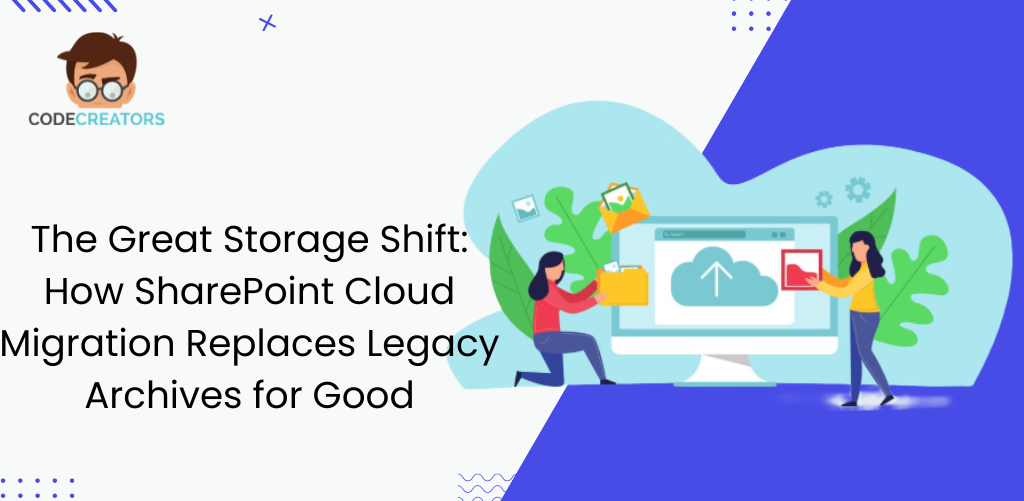
Modern organizations manage thousands of documents across departments, projects, and regulatory environments. Without a centralized platform, information quickly becomes fragmented across email threads, shared drives, and disconnected cloud storage systems.
SharePoint provides a strategic solution by creating a single, unified document environment where information is organized, controlled, and accessible across the entire organization. Instead of managing documents in isolated systems, businesses can establish a consistent framework that governs how information is created, accessed, and maintained.
One of the biggest advantages of SharePoint is its ability to scale with organizational growth. As companies expand, document volumes increase and compliance requirements become more complex. SharePoint allows organizations to build structured document environments that remain organized even as thousands of files are added over time.
Another reason organizations adopt SharePoint is its ability to standardize document processes. Teams can follow consistent procedures for document creation, approval, and retention, ensuring that information remains reliable and easy to manage across departments.
SharePoint also supports modern hybrid workplaces by enabling employees to securely access documents from any location while maintaining organizational control over sensitive information. This flexibility allows teams to collaborate efficiently without compromising governance or security.
By providing a scalable, structured, and secure document environment, SharePoint helps organizations move away from fragmented information systems and establish a reliable foundation for long-term document governance.